
If you want employees to edit or adjust their own punch-in and punch-out times, you’ll need to enable specific settings in AttendanceBot.
Please head to the settings dashboard --> Time tracking section --> General time settings and enable the following settings:
Allow users to set past punch in/out
Allow self-editing of punches
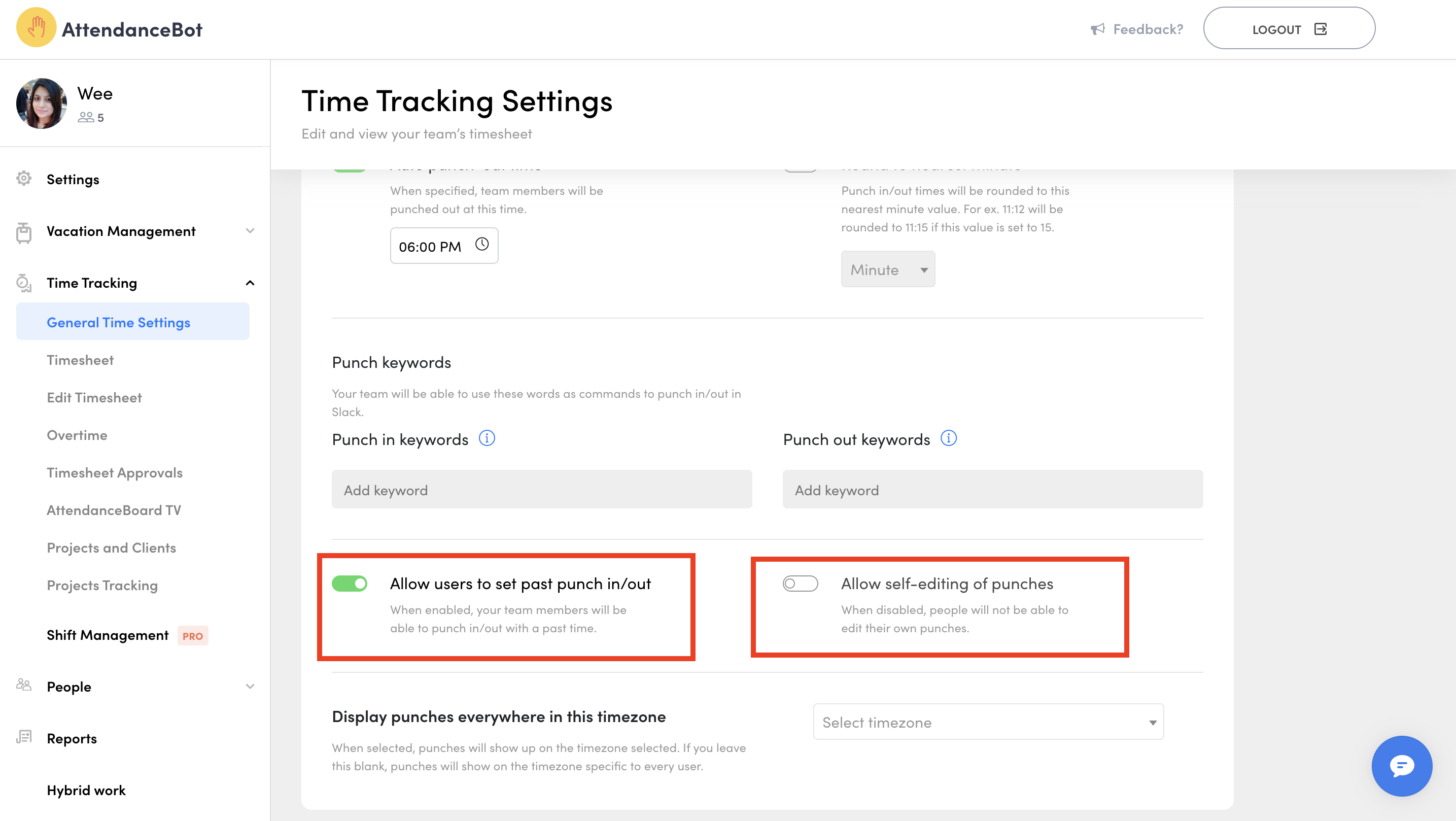
If these settings are disabled, only managers or admins will be able to make changes to time entries.
If you wish to edit your punch entries:
- MS Teams How to edit your own punches and in/out clocks (Microsoft Teams)